
- Alternatives
- No Comment
Best PimEyes Alternatives (2025)


PimEyes offers a robust way to conduct reverse image searches. But its reliance on ‘high-quality’ pictures and privacy concerns over facial recognition are major dealbreakers for people. For this reason, people often search for its substitutes. If you are one of them, we’ve got 7 alternates for you.
In this blog article, we’ll look at the best PimEyes alternatives for 2025. We will review each alternate option based on our experience with it. Furthermore, we will explain why each tool is superior to PimEyes.
And finally, we’ll provide a comparison list to help you make a better decision. So, with that in mind, let’s get started.
1) Social Catfish
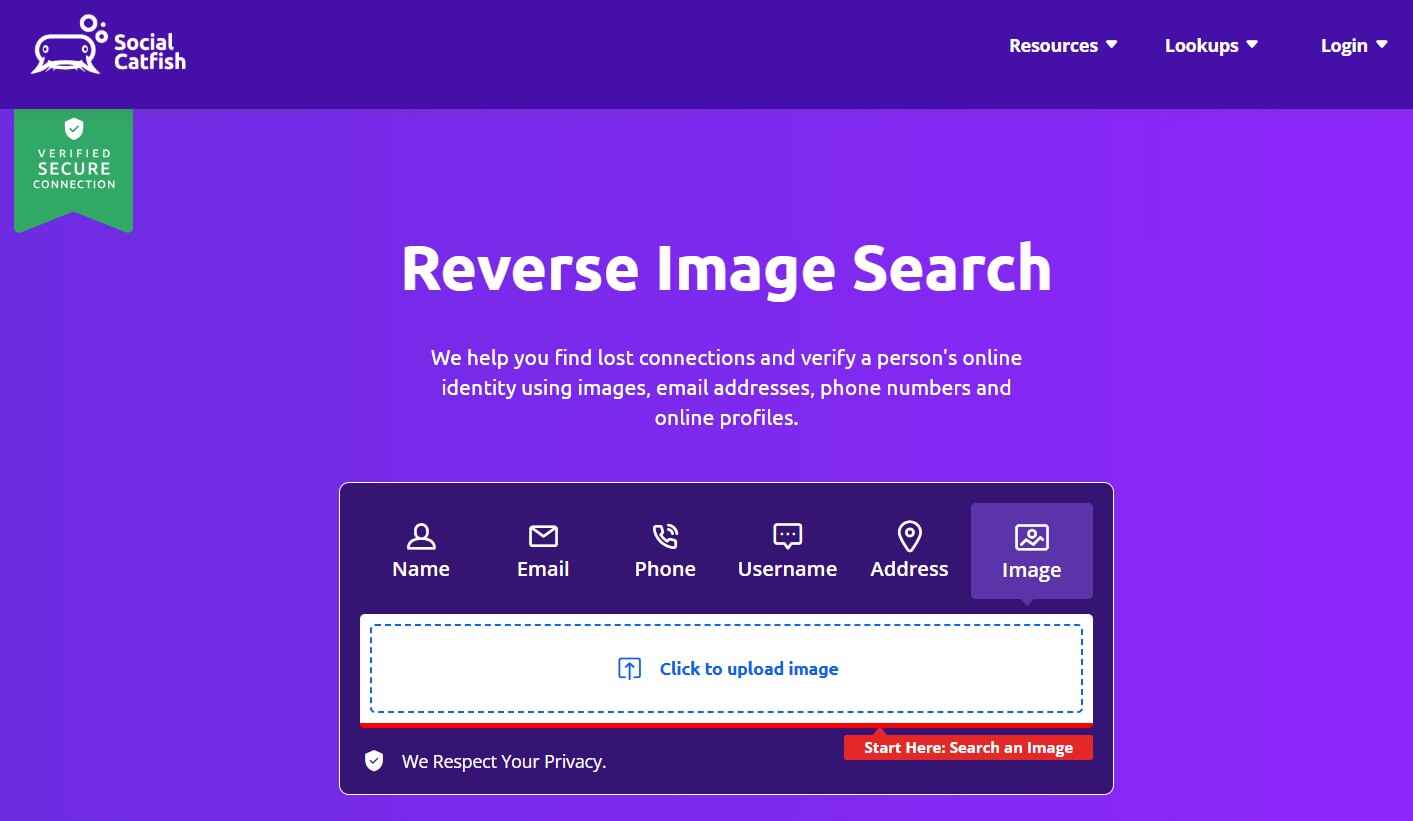
Since PimEyes has privacy concerns about facial recognition, we’ll begin this list with something specifically developed for this purpose. It’s called Social Catfish.
This is a multipurpose utility. So, its reverse image search module links uploaded photos to online records, such as names, email addresses, phone numbers, and social profiles. That’s how it helps people check for catfish scenarios, uncover profiles, and verify identities.
Why It Beats PimEyes
People use PimEyes to simply search for where a face appears. But if you truly want to research a person’s identity across social images and profiles, Social Catfish is a better choice. That’s mainly due to its multipurpose functionality.
Pros
- It gives the best of both worlds. Social media and image search. Therefore, it is perfect for identifying fake profiles and catfish scenarios.
- It secretly sends the results of your searches, which contain detailed public and social data reports, to your email ID. So, that’s a really positive point from the privacy perspective.
- Its 3-5-day trial cost is relatively low. So, you can easily check whether it’s worth it or not.
Cons
- If you want a free PimEyes alternative, you may not find many features here.
- If your search region is beyond the US, the accuracy of its facial recognition drops.
Pricing Structure (If Any)
Social Catfish provides limited basic searches for free. So, if you really want to use it to its full potential, you can start with its trial version, which begins at $5-7. However, if you want a monthly plan, you will have to pay around $29 per month.
2) Spokeo
Spokeo is another people-search engine that primarily helps locate profiles through names, emails, phone numbers, and public records. But like the previous option, this one also features a picture search module.
What’s really interesting here is that you can get refined results by combining the functionality of picture search with the filters of name, email, phone number, and public record. So, it can really offer extensive details about a person.
Why It’s an Alternative for PimEyes
The results of Spokeo are simply deeper than PimEyes. Plus, you really don’t need an image to begin the search here. So, if you want an identity aggregation option specifically, it would be hard to look past this search engine.
Advantages
- Its subscription plans are more flexible than Social Catfish’s.
- Its results are extensive, mainly because it compiles images, public data, and social media information.
Disadvantages
- Since it’s not a dedicated reverse image search tool, its facial recognition algorithms are not optimized.
Pricing Plan (If Any)
Spokeo offers a free 7-day trial. So, if you sign up for it, you will have to pay $29.95 per month after the trial.
3) Google Lens
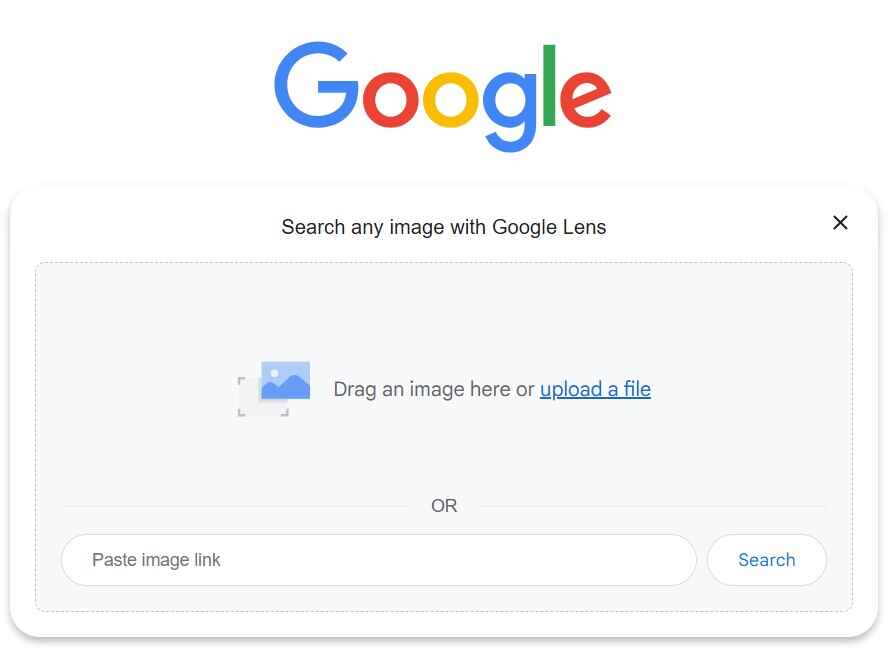
Google Lens is a free tool that uses Google’s robust AI engine to recognize faces, objects, places, or products in an uploaded photo. That picture can be the one stored locally, available on the web, or recently captured through the device’s camera.
Why It’s a PimEyes Alternative
Suppose you don’t want any complications; you are simply looking for PimEyes free alternatives. In that case, Google Lens is your best bet. That’s simply due to its free-of-cost, fast processing, and Google’s extensive database support.
Strengths
- It is totally free, regardless of whether you use it from a browser or through the integrated option on your Android.
- It generates fast and highly reliable results.
- Besides recognizing objects, it even detects text and translates on the go.
Weaknesses
- You won’t find advanced filtering options here.
- It is not a dedicated choice for facial recognition scenarios.
Pricing Structure (If Any)
As we’ve mentioned earlier, it is totally free for everyone!
4) Bing Visual Search

Like Google’s Lens, the Bing Visual Search is another excellent free-of-cost option for finding visually similar photographs. So, this particular image search engine of Microsoft can even recognize faces, objects, and products inside an uploaded picture.
Why It Is Superior to PimEyes
If you want a clean and ad-free PimEyes alternative, you should pick the Bing Visual Search from Microsoft. That’s just because it feels less cluttered and more private.
Positives
- Its integration is exceptional with the Microsoft ecosystem. So, if you’ve been a user of their products, you will find Bing Visual Search quite helpful.
- Like advanced reverse image search engines, this one also supports face, object, and text detection.
- You don’t have to install anything to use it. You can find it integrated in the Microsoft Edge web browser and Bing search engine.
Downsides
- Its database support is not as extensive as Google’s Lens.
- Sometimes, its facial recognition results are less accurate.
Pricing Plan (If Any)
Like Google’s Lens, this one is free for everyone!
5) TinEye
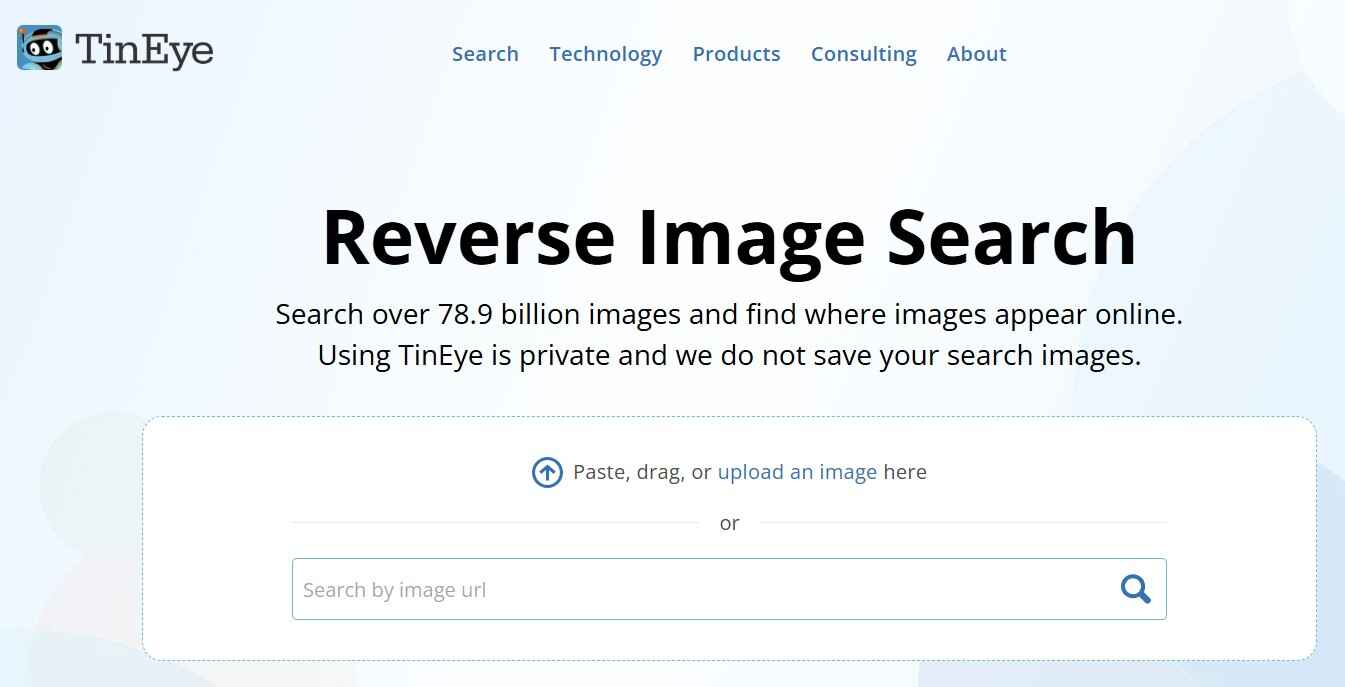
TinEye is another excellent PimEye substitute. However, it specializes in identifying the duplicate or modified versions of the uploaded pictures. So, if you want a veteran choice that tracks the various appearances of an image in the online space, try this option.
Why It Beats PimEyes
When it comes to content monitoring and copyright enforcement, TinEye outperforms PimEyes. The cherry on top is that it is more privacy-friendly because it does not keep uploaded images, unlike Google Lens and other solutions.
Pros
- It is the only trusted option for tracking the usage of an image and copyright infringement.
- The clean UI and privacy-friendly approach make it a top choice.
- Its commercial API support provides an excellent way to increase the organic traffic of your own website.
Cons
- It doesn’t analyze personal faces well. Therefore, you can’t use it for finding different photographs of the same person.
- If you don’t have an account, you will get limited searches here.
Pricing Structure (If Any)
- Starter plan allows 5000 searches for $200.
- Basic plan allows 10000 searches for $300.
- Corporate plan allows 50000 searches for $1000.
- Enterprise plan allows 1000000 searches for $10000.
6) ProFaceFinder

As the name indicates, this is a facial search tool that uses AI algorithms to find similar faces across billions of public online sources. But its functionality also extends as a picture search utility. Therefore, you can use it to find visual matches as well.
Why It’s an Alternative for PimEyes
If you want something for occasional lookups, ProFaceFinder is the best. That’s simply due to its ‘pay-per-search’ model.
Advantages
- It is lightweight and user-friendly. Therefore, you can easily get quick results here.
- There is no monthly commitment here. You only pay when you have to search, which we think is a really smart option.
Disadvantages
- Its database is not as extensive as PimEyes.
- You won’t find advanced search filters here.
Pricing Plan (If Any)
- The ‘Pro Plan’ offers 2 searches for $5.95.
- The ‘Premium Plan’ allows 7 searches for $9.95.
7) Yandex Image Search
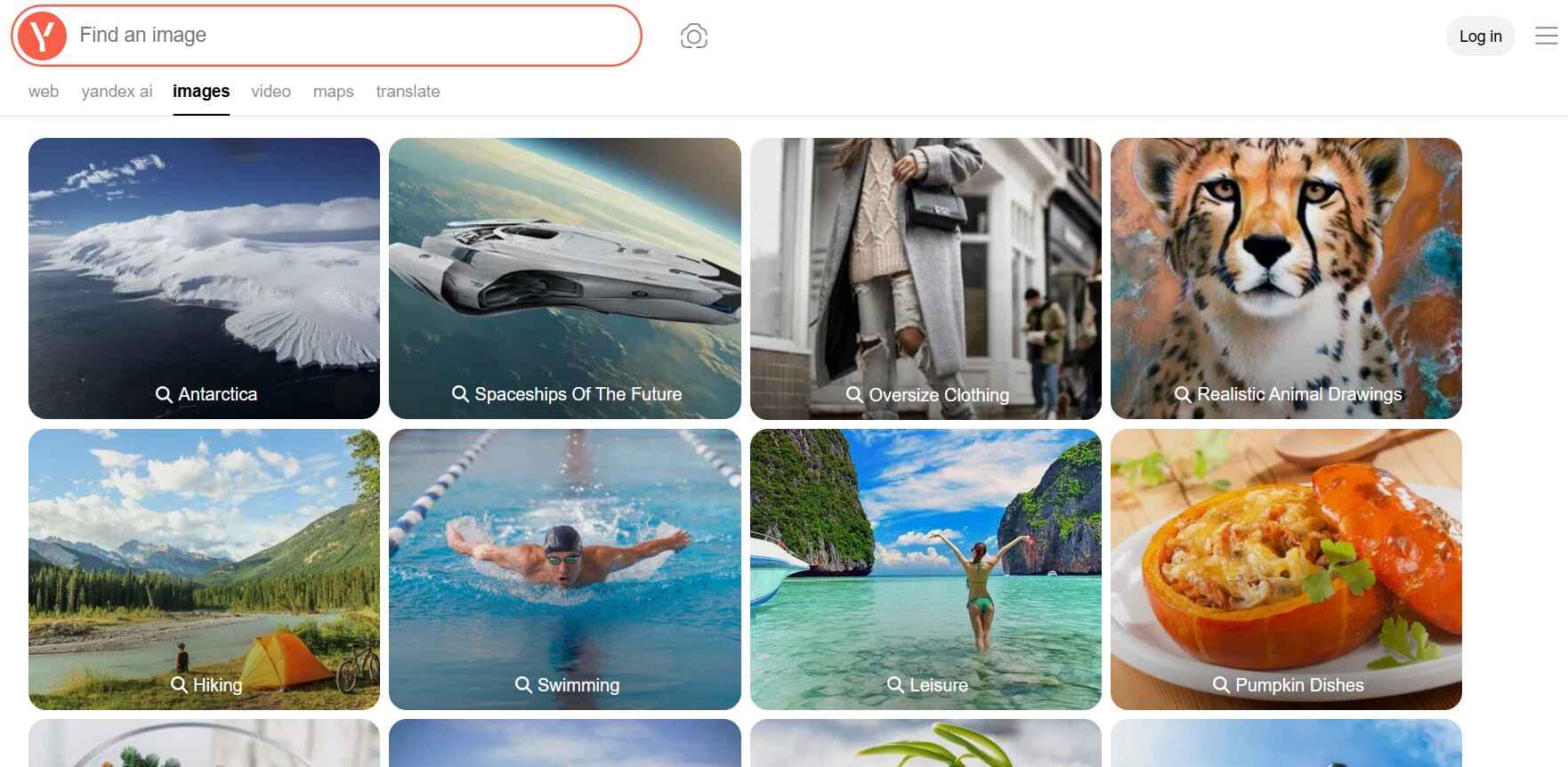
The picture search module of the Yandex engine is one of the most robust utilities in its industry. That’s because it performs exceptionally well when it comes to finding similar or matching faces in Asian and European regions.
Why It’s a PimEyes Alternative
It locates images that Western search engines often miss. Therefore, if you want a free alternative to PimEyes with a wider coverage, you can try this underrated option.
Strengths
- Its free-of-cost and multilingual availability make it a top choice throughout the globe.
- The face and object detection algorithms are really robust and accurate here.
- It gives exceptional results, especially for non-Western or regional image databases.
Weaknesses
- Its servers are Russian-based. So, that may be a dealbreaker for some.
- Its indexing is comparatively slower, especially outside the local regions.
Pricing Structure (If Any)
Like Bing Visual Search and Lens, Yandex’s image search is totally free!
Comparison Table of All Alternatives to PimEyes
Now that you’ve seen our top substitutes for PimEyes, you can better choose the one for your use case. But if you’re still in some sort of confusion, have a look at the following table:
| Tool Name | Key Highlight | Free Plan Availability | Pricing Details |
| Social Catfish | Identity verification + picture searching | ✔️ (Basic-limited searches and trial version) | Around $5-7 for trial and $29 for monthly |
| Spokeo | Identity and contact lookups | ✔️ (7-day trial) | $29.95 |
| Google Lens | All kinds of visual searches | ✔️ | – |
| Bing Visual Search | Photo + object + text search | ✔️ | – |
| TinEye | Copyright and image tracking | ✔️ (Limited searches) | $200-$10000 |
| ProFaceFinder | Pay-per (occasional) face checks | ❌ | $5.95-$9.95 |
| Yandex Image Search | Global picture discovery | ✔️ | – |
Final Verdict
To sum up our experience of finding the best PImEyes alternative, we want to say that there is no top choice here. That’s because the perfect one for you depends entirely on your use case. For instance, if you just want to verify identity with the benefit of online safety, Spokeo and Social Catfish are perfect for you. On the other hand, if you want to monitor the usage of your pictures and copyright infringement cases, try TinEye. But if you want free yet reliable options, you can pick Google Lens, Bing Visual Search, or Yandex. So, the choice is totally yours here!
FAQs
Is PimEyes no longer free?
The free functionality of PimEyes has now been limited. Therefore, if you want to use its key features or unrestricted access, you will have to purchase its premium subscription.
Is there a better site than PimEyes?
The answer to this question totally depends on what you want. So, read the above blog post, or if you want a quick answer, check the conclusion section.
What is the best image reverse search on Reddit for 2025?
According to several Reddit discussions and polls, Google Lens and Yandex are the top reverse image search engines. That’s mainly due to their accuracy, free access, and reliability.
What is the most accurate image finder?
Google Lens is the most accurate image finder for general pictures. But if you need face-specific options, try Social Catfish. TinEye is also an excellent choice for copyright infringement and image monitoring.
Alan Mike is a seasoned website content writer specializing in SEO-friendly, engaging content. With expertise in various industries, Mike creates clear, informative, and compelling copy to boost user engagement and drive organic traffic for clients.
